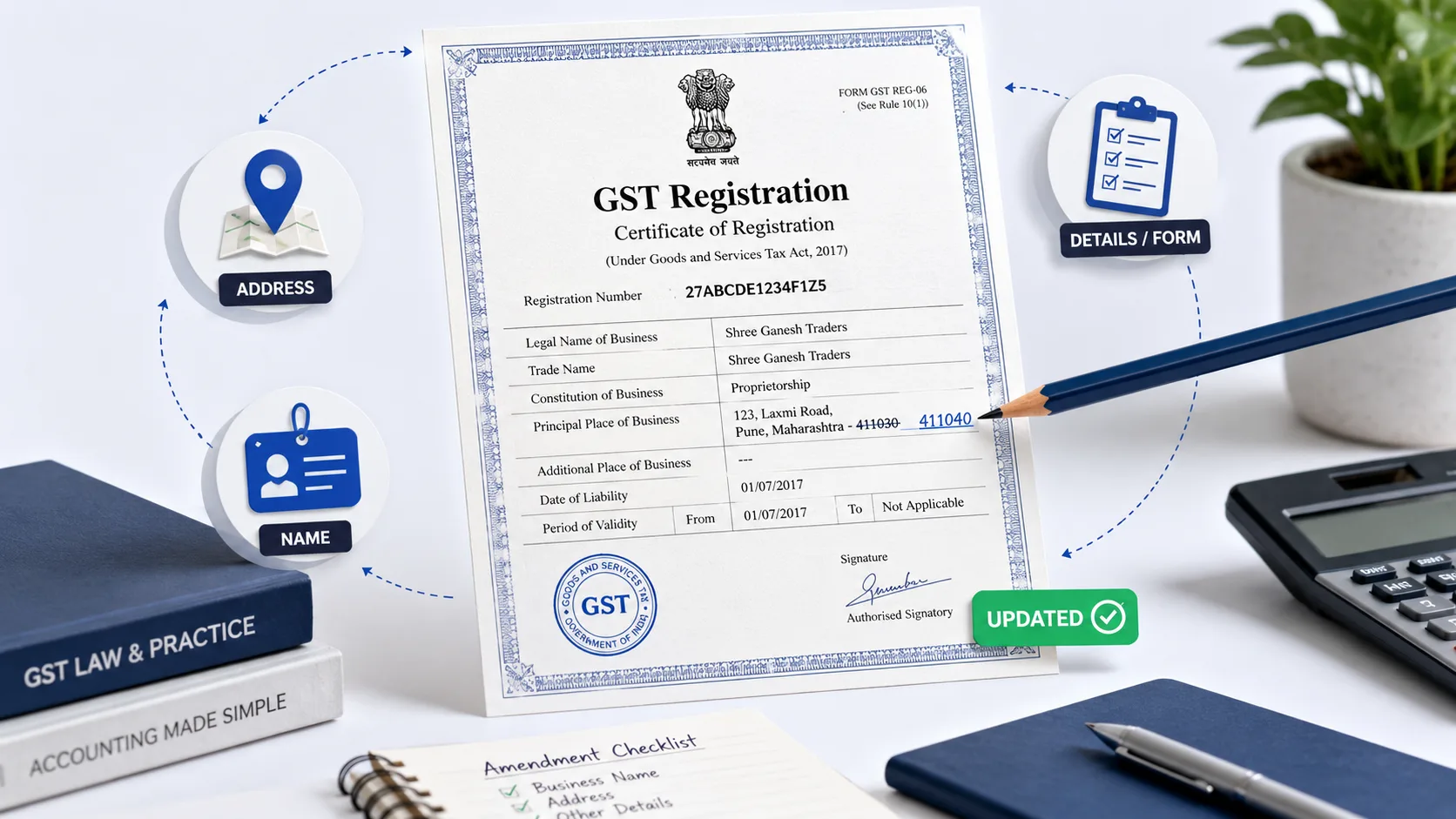
To change your GST registration details, such as your business address, business name, mobile number or email, file Form GST REG-14 on the GST portal within 15 days of the change. An address or legal name change needs a tax officer's approval within 15 working days. A mobile, email or bank change updates as soon as you file.
- The amendment form is Form GST REG-14. You file it online on the GST portal and sign it with a DSC, e-sign or an OTP (EVC).
- File it within 15 days of the change (rule 19 of the CGST Rules).
- Core fields (legal name, business addresses, partners and directors) need the officer's approval. If the officer does nothing within 15 working days, the change is approved automatically.
- Non-core fields (everything else, such as mobile, email, authorised signatory and bank account) are approved as soon as you file.
- You cannot use an amendment to change your PAN or to move your business to another State. Both need a new registration.
- Proposed: on 8 October 2026 the GST Council recommended that amendments, other than a change of principal place of business, be accepted automatically. As of 11 October 2026 the rule has not been changed.
Which GST details need officer approval: core and non-core fields
The GST portal splits registration details into two groups. Core fields need a tax officer's approval. Non-core fields are "all fields other than Core fields", and they are approved as soon as you file.
| What you want to change | Type | Officer approval | Form on the portal |
|---|---|---|---|
| Legal name of the business (same PAN) | Core | Yes, within 15 working days | Amendment of Registration Core Fields |
| Principal place of business (same State) | Core | Yes | Amendment of Registration Core Fields |
| Additional place of business: add, change or delete (same State) | Core | Yes | Amendment of Registration Core Fields |
| Partners, directors, Karta, managing committee, trustees, CEO | Core | Yes | Amendment of Registration Core Fields |
| Authorised signatory | Non-core | No | Amendment of Registration Non-Core Fields |
| Mobile number and email of the authorised signatory | Non-core | No (OTP check) | Amendment of Registration Non-Core Fields |
| Bank account | Non-core | No | Amendment of Registration Non-Core Fields |
| Other details, such as goods and services | Non-core | No | Amendment of Registration Non-Core Fields |
What is a core field?
Rule 19 of the CGST Rules lists the changes that need approval:
- the legal name of the business,
- the address of the principal place of business or any additional place of business, and
- adding, removing or retiring partners or directors, Karta, managing committee, board of trustees, chief executive officer or equivalent.
For these, the officer checks the application and approves it within 15 working days by issuing Form GST REG-15. A change in the legal name or in partners and directors applies to every GST registration you hold on the same PAN, in all States.
What is a non-core field?
Every other detail is a non-core field. The registration certificate stands amended as soon as you submit Form REG-14. One point to know: non-core changes do not appear on your registration certificate. The certificate shows the legal name, trade name, constitution, address and type of registration, so only core changes bring a new certificate.
Two rules on the portal
- You cannot file a non-core amendment while a core amendment is waiting for approval.
- You cannot file a new core amendment while an earlier one is still with the officer.
How to file Form GST REG-14 on the GST portal
Form GST REG-14 is the "application for amendment of registration". There is one form, reached through two links on the portal: one for core fields and one for non-core fields.
- Log in at gst.gov.in.
- Go to Services > Registration and click Amendment of Registration Core Fields or Amendment of Registration Non-Core Fields.
- Open the tab you need (Business Details, Promoter / Partners, Authorised Signatory, Principal Place of Business, Additional Places of Business, Bank Accounts and so on) and edit the details.
- For a core change, pick the date of amendment (the date the change happened) and type the reason. A reason is mandatory for each amendment.
- Upload the proof for the change.
- Go to the Verification tab and sign with a DSC, e-sign or EVC (OTP). A company must sign with a DSC.
- You get an ARN (application reference number) by SMS and email, within about 15 minutes.
Any existing authorised signatory can file the amendment. If you save an application without submitting it, the portal keeps it for 15 days and then deletes it.
How to change your address in GST
Your principal place of business (PPOB) is "the place of business specified as the principal place of business in the certificate of registration" (section 2(89) of the CGST Act). Changing it is a core amendment, so it needs the officer's approval.
Steps to change the principal place of business
- Log in and go to Services > Registration > Amendment of Registration Core Fields.
- Open the Principal Place of Business tab and edit the address.
- Enter the date you moved and the reason, for example "Shifted to new premises".
- Upload proof of the new address.
- Sign and submit in the Verification tab. Note the ARN.
Documents for a GST address change
Upload proof of the new address, such as an ownership document or a rent agreement.
Moving to another State. You cannot move your registration to another State by amendment. GST registration is State by State. The GST FAQ says you "must voluntarily cancel your current registration and apply for a fresh registration" in the new State. See GST cancellation.
After approval. The officer issues Form REG-15 and a new certificate with the new address. Download it from the portal (see how to download your GST certificate). Display it at the new premises: rule 18 asks every registered person to display the certificate at the principal place and every additional place of business.
A company that moves its registered office also files with the MCA. See registered office change.
How to change mobile number and email in the GST portal
The mobile number and email on your GST login belong to the primary authorised signatory. Changing them is a non-core amendment. Rule 19 says the change happens "only after online verification", so the portal sends an OTP to the new number and email.
If you can still log in
- Log in and go to Services > Registration > Amendment of Registration Non-Core Fields.
- Open the Authorised Signatory tab.
- Add an authorised signatory with the new mobile number and email (it can be the same person), or edit the details.
- One OTP goes to both the new email and the new mobile. Enter it. The OTP is valid for 10 minutes.
- Go to the Verification tab and submit with DSC or EVC.
- If you added a new signatory: wait about 15 minutes, log in again, open the Authorised Signatory tab, untick the old primary authorised signatory and tick the new one as primary. Submit again.
Each partner, promoter and authorised signatory needs a different mobile number and email on the portal. You can remove the primary authorised signatory only after you add a new primary one.
How to add an additional place of business in GST
A place of business includes a place from where you run the business, and "a warehouse, a godown or any other place where a taxable person stores his goods" (section 2(85) of the CGST Act). Every such place in the same State goes on your registration as an additional place of business (APOB).
Adding, changing or deleting an additional place is a core amendment:
- Go to Services > Registration > Amendment of Registration Core Fields.
- Open the Additional Places of Business tab and add the new place (or edit or delete one).
- Upload proof of possession if the portal asks for it.
- Enter the date and reason, then sign and submit.
A place in another State cannot be added this way. A business place in another State is covered by a separate GST registration in that State. After approval, display your certificate and GSTIN at the new place too (rule 18).
How to change the legal name or trade name in GST
Your legal name is the name of the business "as mentioned in PAN". For a proprietor, it is the proprietor's own name on PAN. Your trade name is the name you trade under, and it can differ from the legal name.
- Legal name: changing it is a core amendment, as long as the PAN stays the same. The change applies to every GST registration on that PAN. For the company law side, see how to change a company name.
- More than one trade name: the portal lets you add up to nine additional trade names.
Steps: Core Fields > Business Details tab > edit the name > date of amendment and reason > upload proof of the new name (for example the new certificate of incorporation or the changed partnership deed) > sign and submit.
If the PAN itself changes, for example when a proprietor turns the business into a company, an amendment is not possible. The new entity applies for a fresh registration in Form GST REG-01 (rule 19).
How to change partners, directors or the authorised signatory
- Partners, directors, Karta, trustees or the CEO: adding, removing or retiring one is a core amendment (rule 19). Use the Promoter / Partners tab in the core form and upload proof of the change.
- Authorised signatory: a non-core amendment. Use the Authorised Signatory tab in the non-core form. A new primary authorised signatory confirms the email and mobile by OTP.
- Aadhaar: a newly added primary authorised signatory is not treated as Aadhaar authenticated. If you change a person's name, father's name, date of birth or gender, Aadhaar authentication for that person has to be done again.
How to update bank account details in GST
Bank details are a non-core amendment: Amendment of Registration Non-Core Fields > Bank Accounts.
- You can add up to 10 bank accounts.
- If you have only one account, you cannot delete it.
- The account must be in the same PAN as the GST registration. If the bank's PAN does not match, validation fails.
- A new registration must add bank details within 30 days of getting registered, or before filing GSTR-1 or using the IFF, whichever is earlier (rule 10A).
Time limit and date of amendment
- Time limit to file: within 15 days of the change (rule 19(1)).
- Date of amendment: the date the change happened, for example the date you moved.
- Reason for amendment: the portal needs a reason for each change. Say what changed and when, in one line, for example "Principal place of business shifted to new premises on 1 October 2026".
After you file: approval, queries and status
| What happens | Form | Time limit |
|---|---|---|
| Officer approves a core change | REG-15 | Within 15 working days of your application |
| Officer asks for more information or documents | Notice in REG-03 | Within 15 working days of your application |
| You reply | REG-04 | Within 7 working days of the notice |
| Officer rejects | REG-05 | Only if the reply is not satisfactory or no reply comes. The officer must give you a chance to be heard first (section 28) |
| Officer does nothing | None | The certificate stands amended after 15 working days, or 7 working days after your reply (rule 19(5)) |
- Check the status: use your ARN in the portal's Track Application Status (Services > Track Application Status).
- Download the new certificate: Services > User Services > View/Download Certificates. The amended certificate shows in the list. You also get an SMS and email when the application is approved or rejected.
What you cannot change by amendment
| Change | What to do instead |
|---|---|
| PAN changes (for example, a proprietorship becomes a company or LLP) | Apply for a fresh registration in Form GST REG-01 (rule 19) |
| Principal place of business moves to another State | Cancel the current registration and apply for a fresh one in the new State (GST FAQ) |
| Registration is suspended or cancelled | The core amendment link is disabled |
Proposed change: automatic approval of amendments
At its 57th meeting on 8 October 2026, the GST Council recommended a change to rule 19:
- Amendments to registration details would be accepted automatically on the portal, except changes to the principal place of business.
- For businesses registered through the automatic route under rule 14A, changes to all details, including the principal place of business, would be accepted automatically.
This is a recommendation. It becomes law only when CBIC notifies the change. As of 11 October 2026, rule 19 has not been changed, so the rules above still apply. We will update this guide when the notification comes out. (Rule 14A is explained on our GST registration page.)
If you would rather have a professional file it, see our GST amendment service.
Frequently asked questions
How many days does a GST amendment take?
A non-core change, such as a mobile number, email or bank account, is approved as soon as you file. A core change, such as an address or legal name, is approved by the officer within 15 working days. If the officer does nothing in that time, it is approved automatically.
What is the time limit for amendment in GST registration?
File Form GST REG-14 within 15 days of the change (rule 19 of the CGST Rules).
Is an address change in GST a core or non-core amendment?
A change in the address of the principal place of business or any additional place of business is a core amendment. It needs the officer's approval.
Can I change my GST address online?
Yes. File Form GST REG-14 on the GST portal under Services > Registration > Amendment of Registration Core Fields, with proof of the new address.
How do I change the mobile number in the GST portal for OTP?
Use Amendment of Registration Non-Core Fields > Authorised Signatory. Add or edit the signatory with the new number and email, enter the OTP sent to them, and submit. Then set the new signatory as primary.
Can we have two trade names in GST?
Yes. Besides your main trade name, the GST portal lets you add up to nine additional trade names.
What does "date of amendment" mean in GST registration?
It is the date the change happened, for example the date you moved.
What should I write in the reason for amendment?
Say what changed and when, in one line. For example: "Principal place of business shifted to new premises on 1 October 2026."
How do I check my GST amendment status?
Use the ARN you got after filing in Services > Track Application Status on the GST portal. You also get an SMS and email when the officer approves or rejects the application.
Can I change my GST registration from one State to another?
No. GST registration is for one State. Cancel the current registration and apply for a fresh registration in the new State.
Hinglish mein sawaal
GST me address change kaise kare?
GST portal par login karke Services > Registration > Amendment of Registration Core Fields kholiye. Principal Place of Business tab me naya address daaliye, address proof upload kijiye aur DSC ya EVC se submit kijiye. Officer 15 working days me approve karta hai.
GST me mobile number kaise change kare?
Amendment of Registration Non-Core Fields me Authorised Signatory tab kholiye. Naya mobile number aur email daaliye, dono par aaya OTP bhariye aur submit kijiye. Ye change turant ho jata hai.
Last reviewed: 11 October 2026
FilingSetu is the brand of ANR Consultancy, a partnership firm.
GSTIN: 07ACOFA0324K1ZG
This page explains the law as it stands on the review date. It is not advice on your specific case.