To pay GST online, log in to gst.gov.in and open Services, then Payments, then Create Challan. Enter the amount under the right tax head, choose a payment mode (net banking, debit or credit card, UPI, or NEFT/RTGS) and click Generate Challan. Then pay it. You can also create a challan without logging in, using only your GSTIN.
The challan is Form GST PMT-06. Once your bank confirms the payment, the money goes into your Electronic Cash Ledger, and you use it when you file your return. This guide shows each step, the payment modes and their limits, the due dates, how interest works if you pay late, and how to fix money paid under the wrong head.
Already paid and want to see if it went through? See how to check GST payment status.
- Every GST payment is made through a challan created on the GST portal. There is no paper challan.
- You can pay by net banking, debit or credit card, UPI, NEFT/RTGS, or over the counter at a bank. Over the counter is allowed only up to ₹10,000 in a tax period.
- A challan is valid for 15 days. You cannot change its amount or cancel it. If it is wrong, create a new one.
- Monthly filers pay by the 20th of the next month. QRMP filers pay for the first two months of a quarter by the 25th.
- Late payment costs interest at 18% a year on the tax you pay in cash.
- Paid under the wrong head? Move the money with Form GST PMT-09 instead of paying again.
How to pay GST online, step by step
- Go to www.gst.gov.in and log in with your username and password.
- Click Services, then Payments, then Create Challan.
- Choose the Reason for Challan. Pick Any other payment if you file GSTR-3B every month. Pick Monthly payment for quarterly return if you are in the QRMP scheme and are paying for the first or second month of a quarter. Click Proceed.
- In the Details of Deposit table, enter the amount in the right row and column. The rows are Integrated tax (IGST), Central tax (CGST), State or UT tax (SGST or UTGST) and Cess. The columns are Tax, Interest, Penalty, Fees and Others. The total fills in on its own.
- Choose a payment mode: E-Payment (net banking, debit or credit card, UPI), Over the Counter, or NEFT/RTGS.
- Click Generate Challan. The portal creates the challan with a CPIN (its number). Click Download if you want a copy.
- For e-payment, click Make Payment. Pick your bank or payment option, accept the terms, and complete the payment on the bank's page.
- After a successful payment, you come back to the GST portal and see a success message. You can view the receipt and your Electronic Cash Ledger from there.
Before you start, you can click View Ledger Balance on the challan page. If your cash ledger already has enough balance for this month's tax, you do not need a new challan.
How to pay GST without login
You do not need your GST login to pay. This is useful when an accountant or a family member pays for you.
- On www.gst.gov.in, click Services, then Payments, then Create Challan, without logging in.
- Enter your GSTIN (or, if you are not registered, the temporary ID the portal gave you) and the captcha.
- Fill the challan the same way as steps 3 to 7 above. All the same payment modes are available.
Two differences: you cannot save a challan without logging in, and you check the payment later with Track Payment Status (GSTIN and CPIN), not Challan History.
A GST Practitioner can also make the payment on behalf of a client.
GST payment modes and their limits
| Mode | How it works | Good to know |
|---|---|---|
| Net banking | Pick your bank, accept the terms, click Make Payment, and pay on the bank's site | Only banks listed on the portal |
| Debit or credit card | Pick a payment gateway, click Make Payment, and pay with your card | Mastercard, Visa and RuPay cards issued by any Indian bank. Diners works for credit cards only |
| UPI | Choose BHIM UPI and a bank, click Make Payment, type your UPI ID on the bank's page, and approve the request in your UPI app | Your UPI ID must be one that NPCI has on-boarded |
| NEFT/RTGS | Pick the bank you will pay from, generate the challan, and pay it through that bank | You get a mandate form with the challan. After paying, link the bank's UTR number to the CPIN in Challan History |
| Over the counter | Generate the challan, print it, and pay at the chosen bank branch by cash, cheque or demand draft | Only up to ₹10,000 in total for a tax period. Use one cheque or draft per challan |
The bank or card company may charge a fee. The portal shows a link to check the transaction charges before you pay, and the person paying bears any such fee.
Can I pay GST with a credit card? Yes. Credit cards are one of the e-payment options.
Can I pay GST by UPI? Yes. UPI is listed as BHIM UPI in the payment modes. You enter your UPI ID on the bank's page and approve the payment in the UPI app linked to that ID.
When is the money credited? Online payments work at any time of day. The portal says that even payments made after 8 pm are credited to your account on the same day.
Which head to pay GST under
Pay each part of your tax under its own head:
- Sale within your State: CGST and SGST (or CGST and UTGST in a Union Territory).
- Sale to another State, imports, exports and SEZ supplies: IGST.
- Cess: only if your goods are covered by GST compensation cess.
Then pick the minor head: Tax for the tax itself, Interest for interest, Fees for late fee, Penalty for a penalty, and Others for anything else.
Rules every GST challan follows
- One challan for everything. The same challan (Form GST PMT-06) is used for tax, interest, penalty, fees and other amounts.
- No paper challan. Only challans created on the GST portal are accepted.
- Valid for 15 days. If you do not pay within 15 days, the challan expires and you create a new one.
- No changes, no cancelling. Once a challan has a CPIN, its amount cannot be changed and it cannot be cancelled. If the amount is wrong, leave it to expire and create a new one.
- No limit on challans. You can create as many challans in a day as you need.
- Lost the printout? Log in and find it in Services, then Payments, then Challan History.
- Offline challan, now want to pay online? You cannot. Create a new challan with the E-Payment mode.
When to pay GST: due dates
| Who | Pays by | How |
|---|---|---|
| Monthly GSTR-3B filers | The 20th of the next month | The tax in GSTR-3B is paid by the day the return is due |
| QRMP filers, months 1 and 2 of a quarter | The 25th of the next month | Challan with the reason "Monthly payment for quarterly return": either the 35% challan or the self-assessment challan |
| QRMP filers, month 3 (whole quarter) | The 22nd or 24th of the month after the quarter, depending on your State | Paid with the quarterly GSTR-3B |
The 22nd applies in States such as Maharashtra, Karnataka, Gujarat, Kerala, Tamil Nadu, Goa, Madhya Pradesh and Chhattisgarh. The 24th applies in States such as Delhi, Uttar Pradesh, Haryana, Punjab, Rajasthan, Himachal Pradesh and Uttarakhand. These are the dates in the rules on 18 October 2026. The government sometimes extends a due date for a month, so check the GST portal's news before the deadline.
See the full State list in our GST return due dates guide.
QRMP filers can choose a 35% challan, which the portal fills in from your last quarter, or work out the actual tax for the month. Both are explained in our QRMP scheme guide. If you have no tax to pay for a month, or your cash and credit ledgers already cover it, you do not need a challan.
Cash or input tax credit: what you pay with a challan
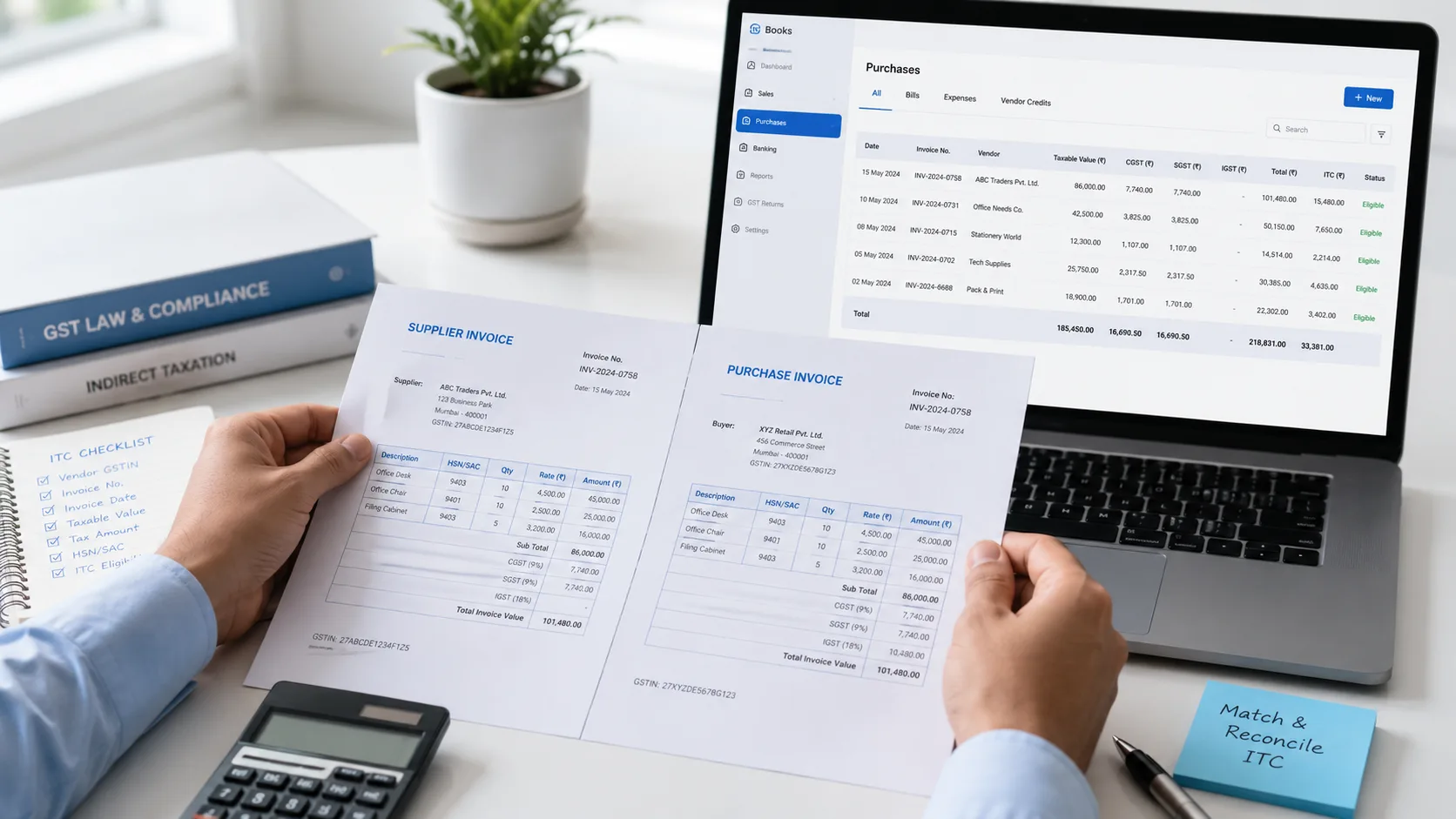
Not all of your GST has to be paid in cash. You first use the input tax credit (ITC) in your Electronic Credit Ledger, and you pay the rest with a challan, through your Electronic Cash Ledger.
- ITC can pay only output tax. Interest, late fee and penalty are always paid from the cash ledger.
- Tax under reverse charge is paid in cash. The law's meaning of "output tax" leaves out tax you pay under reverse charge, so your credit cannot be used for it.
- ITC has a set order. IGST credit is used first for IGST, then for CGST and SGST. CGST credit pays CGST, then IGST. SGST credit pays SGST, then IGST. CGST credit can never pay SGST, and SGST credit can never pay CGST.
- Old dues come first. Payments settle the tax of earlier periods before the current period.
To see which credit pays which tax for your own figures, use our GST set off calculator.
When you file GSTR-3B, the payment is made from these two ledgers. A challan only puts money into the cash ledger. Paying the challan does not file the return. See paid the challan? your return is a separate step.
Interest on late payment of GST
If you pay GST after the due date, you pay interest at 18% a year for every day of delay, starting from the day after the due date.
When the tax is shown in a return that you file late, the interest is charged only on the part of the tax that you pay in cash (from the Electronic Cash Ledger). The part you pay with input tax credit carries no interest.
Example. Your GSTR-3B for October is due on 20 November. You owe ₹40,000 in cash after using your ITC. You pay and file on 5 December, 15 days late. Interest = ₹40,000 x 18% x 15 / 365 = about ₹296.
To work out your own figure, use our GST interest calculator.
Paid in time but filing late? If you put the money into your cash ledger by the due date and it stays there until you file, that amount is not counted for interest. So when you know the return will be late, paying the challan by the due date saves the interest. A late fee for the late return still applies.
Our reading: the example counts the days on a 365-day year, which is how interest is usually worked out. The law says the rate and the period, not the day count.
Paid under the wrong head? Use Form GST PMT-09
If you paid under the wrong head, for example CGST instead of IGST, or under Interest instead of Tax, you do not have to pay again or ask for a refund. Form GST PMT-09 moves the money inside your Electronic Cash Ledger.
- Within the same GSTIN: you can move money between IGST, CGST, SGST or UTGST and Cess, and between Tax, Interest, Penalty, Fee and Others.
- To another GSTIN on the same PAN (for example your branch in another State): you can move money into its IGST or CGST only.
- When it is blocked: you cannot use it if you have an outstanding demand on the portal. A transfer to another GSTIN is also blocked while you have unpaid liability in your liability register.
How to file PMT-09:
- Log in and go to Services, then Ledgers, then Electronic Cash Ledger.
- Click File GST PMT-09 for transfer of amount (within same GSTIN), or the option (to different GSTIN on same PAN).
- Choose the head you are moving money from and the head you are moving it to, and enter the amount. Use Add Record to add more lines.
- Preview the form, then file it with DSC or EVC.
To see what you have filed, use View Filed GST PMT-09 in the same menu.
Payment failed, or money debited but not showing?
- Payment failed: nothing reaches your cash ledger. Try again from the same challan while it is valid, or create a new one.
- Money left your bank but the challan is not paid: see what to do when money is debited but GST payment is not showing. You may need to raise Form GST PMT-07.
- To check where any payment stands: use Track Payment Status with your GSTIN and CPIN.
Frequently asked questions
How do I pay GST online?
Log in to gst.gov.in, go to Services, then Payments, then Create Challan. Enter the amount under the right head, choose a payment mode, click Generate Challan and then Make Payment.
How do I create a GST challan?
Open Services, then Payments, then Create Challan on gst.gov.in. Choose the reason, fill the Details of Deposit table, pick a payment mode and click Generate Challan. The challan is Form GST PMT-06.
Can I pay GST without login?
Yes. Open Create Challan without logging in, enter your GSTIN and the captcha, and fill the challan as usual. You cannot save the challan, and you track it later with your GSTIN and CPIN.
Can I pay GST by UPI or Google Pay?
You can pay by UPI. Choose BHIM UPI as the mode, enter your UPI ID on the bank's page and approve the request in the UPI app linked to that ID. The UPI ID must be one that NPCI has on-boarded.
Can I pay GST with a credit card?
Yes. Mastercard, Visa and RuPay debit and credit cards from Indian banks are accepted, and Diners credit cards too. Your bank may charge a fee.
Can I pay GST in cash?
Only over the counter at an authorised bank, and only up to ₹10,000 in total for a tax period. For more, use net banking, a card, UPI or NEFT/RTGS.
What is the due date for GST payment?
Monthly filers pay by the 20th of the next month. QRMP filers pay for months 1 and 2 by the 25th of the next month, and for the quarter with GSTR-3B by the 22nd or 24th, depending on the State.
What happens if I pay GST late?
You pay interest at 18% a year on the tax paid in cash, for each day of delay. If your return is also late, a late fee applies as well.
Is late fee or interest paid from input tax credit?
No. Input tax credit can pay only output tax. Interest, late fee and penalty are paid from the cash ledger, which means by challan.
How long is a GST challan valid?
15 days. If you do not pay it within 15 days, it expires and you need a new one.
Can I cancel or change a GST challan?
No. Once it has a CPIN, the amount cannot be changed and the challan cannot be cancelled. Let it expire and create a new one.
What is PMT-09 in GST?
Form GST PMT-09 moves money in your Electronic Cash Ledger from one head to another, for example from CGST to IGST. You file it from Services, then Ledgers, then Electronic Cash Ledger.
Where can I download my GST challan or payment receipt?
Log in and open Services, then Payments, then Challan History. Click the CPIN to open the challan. The receipt is shown for paid challans.
Hinglish mein sawaal
GST payment online kaise kare?
gst.gov.in par login karke Services, phir Payments, phir Create Challan kholein. Sahi head mein amount bharein, payment mode chunein aur Generate Challan ke baad Make Payment par click karein.
GST challan galat head mein pay ho gaya, ab kya kare?
Dobara payment ki zaroorat nahi. Form GST PMT-09 se Electronic Cash Ledger mein paisa sahi head mein transfer kar sakte hain.